
Your day, with room to breathe.
A planner that helps you do less, better. Write your day in a calm agenda book, pace your energy, and close each evening with a gentle journal page.
Free to download. Made for iPhone Duo, and at home on iPhone and iPad.

Hello. Let's make a little room.
The everyday problem
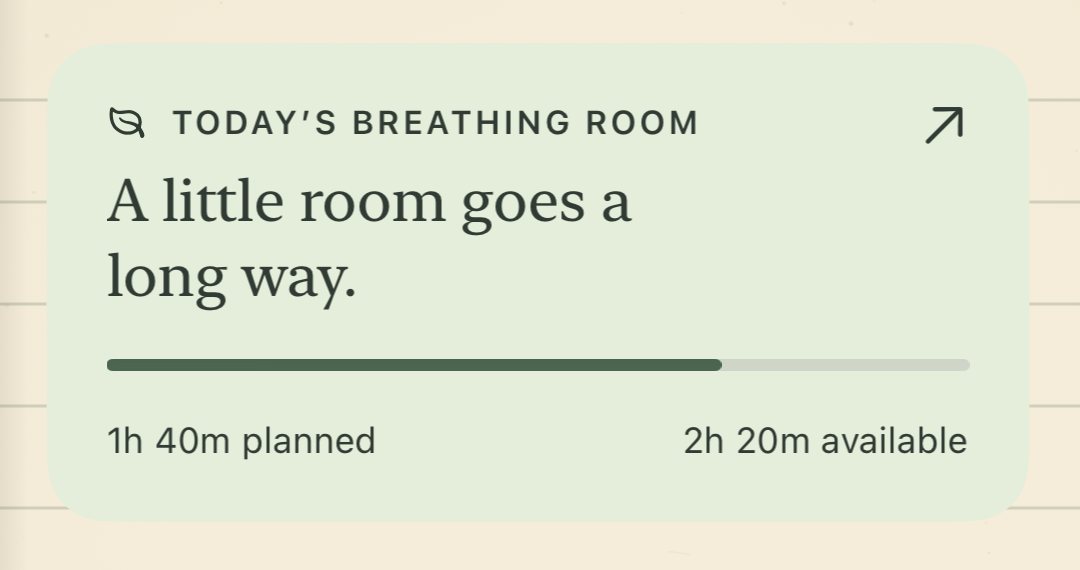
A full list doesn't have to mean a full day.
Writing everything down is a good start. Trouble begins when the whole list quietly becomes today's plan. Restabit shows how full each day already is, so the rest can wait without being forgotten.
On your mind
Everything, as it comes to you
- Dentist at 9
- Groceries for the week
- Finish the grant draft
- Return library books
- Fix the gate latch
- Video call with Dad
- Book flu shots
- A walk, somewhere green
- Sort the photo boxes
What fits today
Friday · about six open hours around your commitments
- Dentist appointment45 minEvent
- Groceries for the week40 minErrand
- Finish the grant draft90 min, in two focus sessionsFocus
- A walk around the reservoir30 minBreak
- EveningNothing plannedLeft open on purposeRest
Later this week: library books, gate latch, flu shots, photo boxes. Sunday: video call with Dad.
Restabit shows what fits and suggests where to start. Nothing moves to another day until you choose.
Example day, drawn for this page. Not an app screen.
How it works
One day, five small moments.
Restabit follows the shape of an ordinary day. Use all of it, or only the parts that help. Choose a moment to see it in the app.
- Morning, or any time
Write it how you'd say it. “Book store closes at 8 today” lands on tonight's page at 8 PM. You can also share to Restabit from Messages, Safari and Mail.
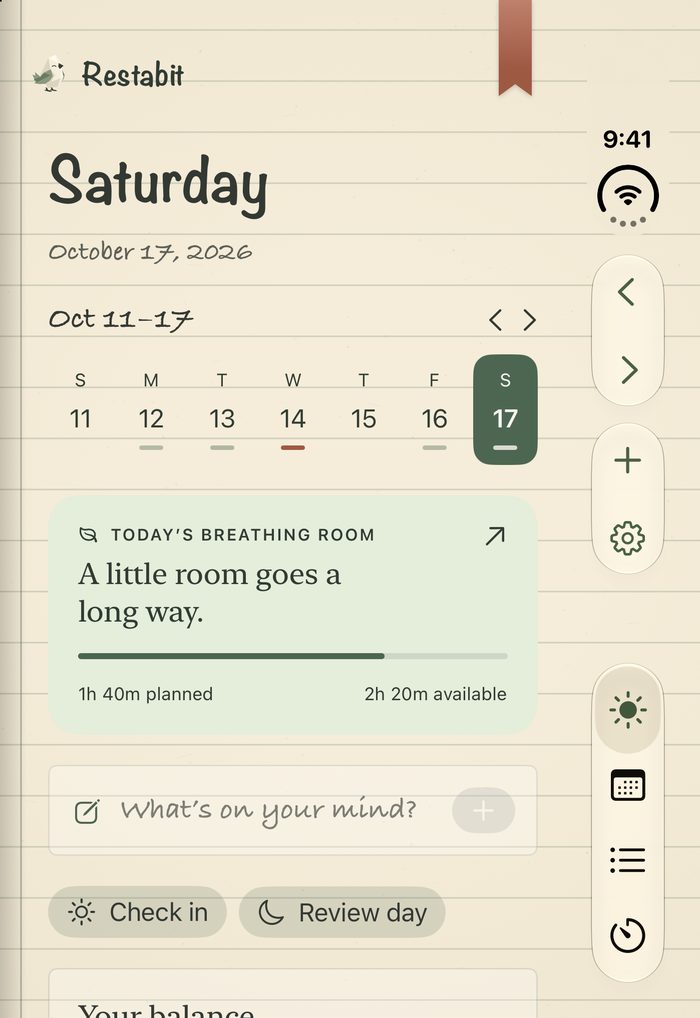
- Morning
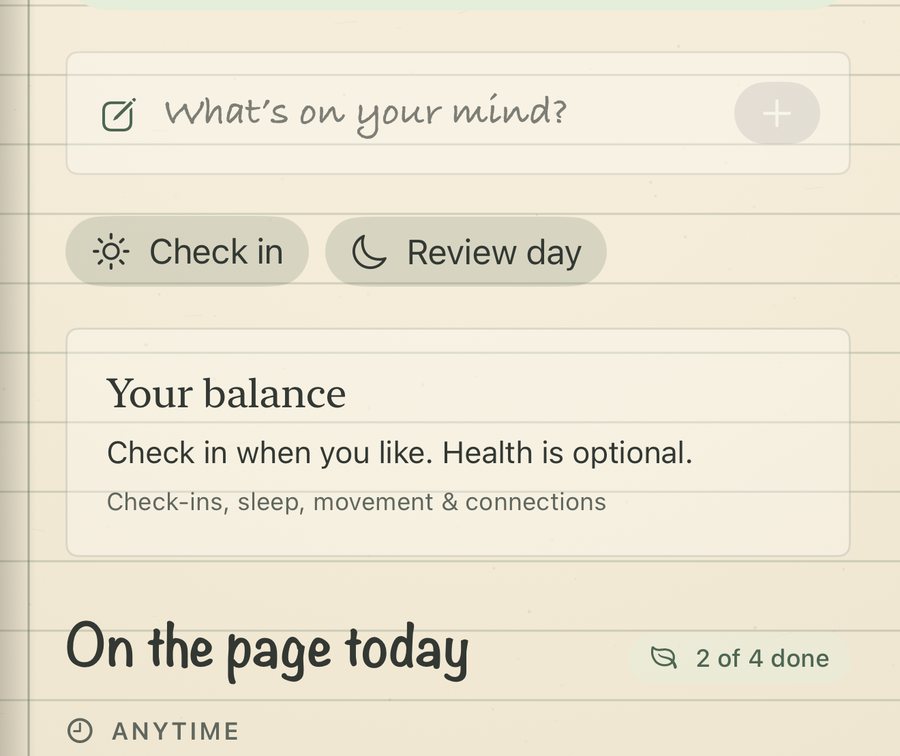
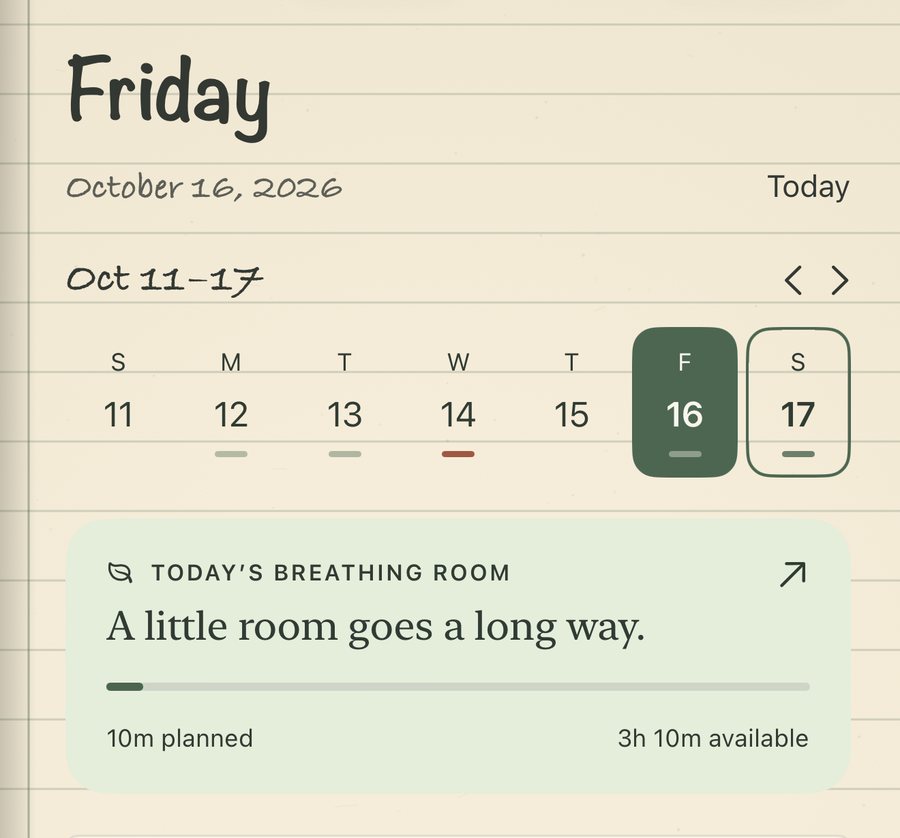
A quick check-in about how you slept and how today feels, then a clear sense of how full the day already is against your own daily limit.
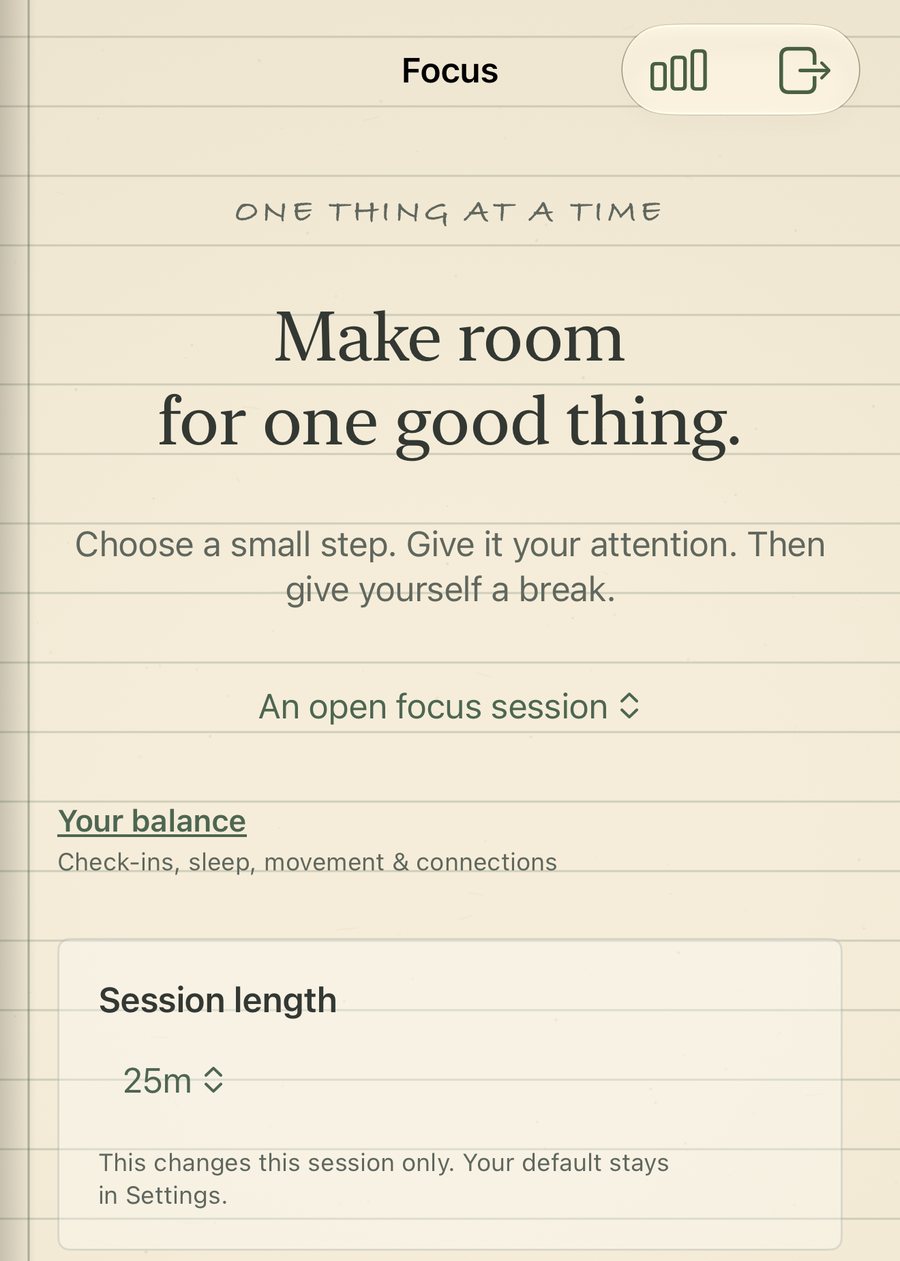
- During the day
A focus timer with gentle pacing suggestions and real breaks. The timer ending never ticks the task off for you.
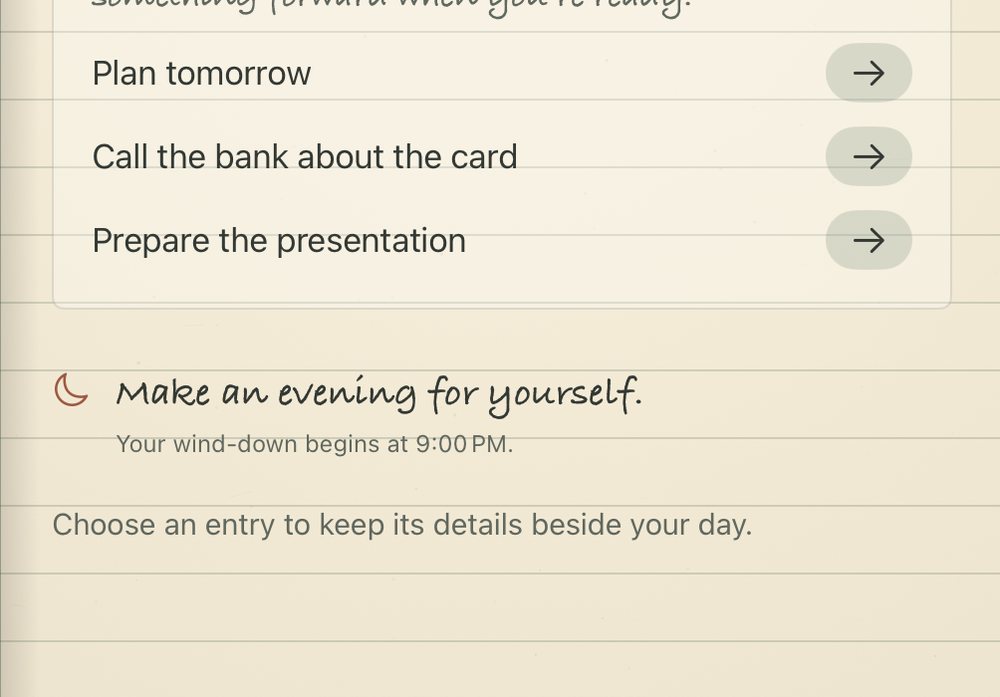
- Evening
How the day felt, three things that went well, a few lines in your own words, and what comes with you tomorrow.
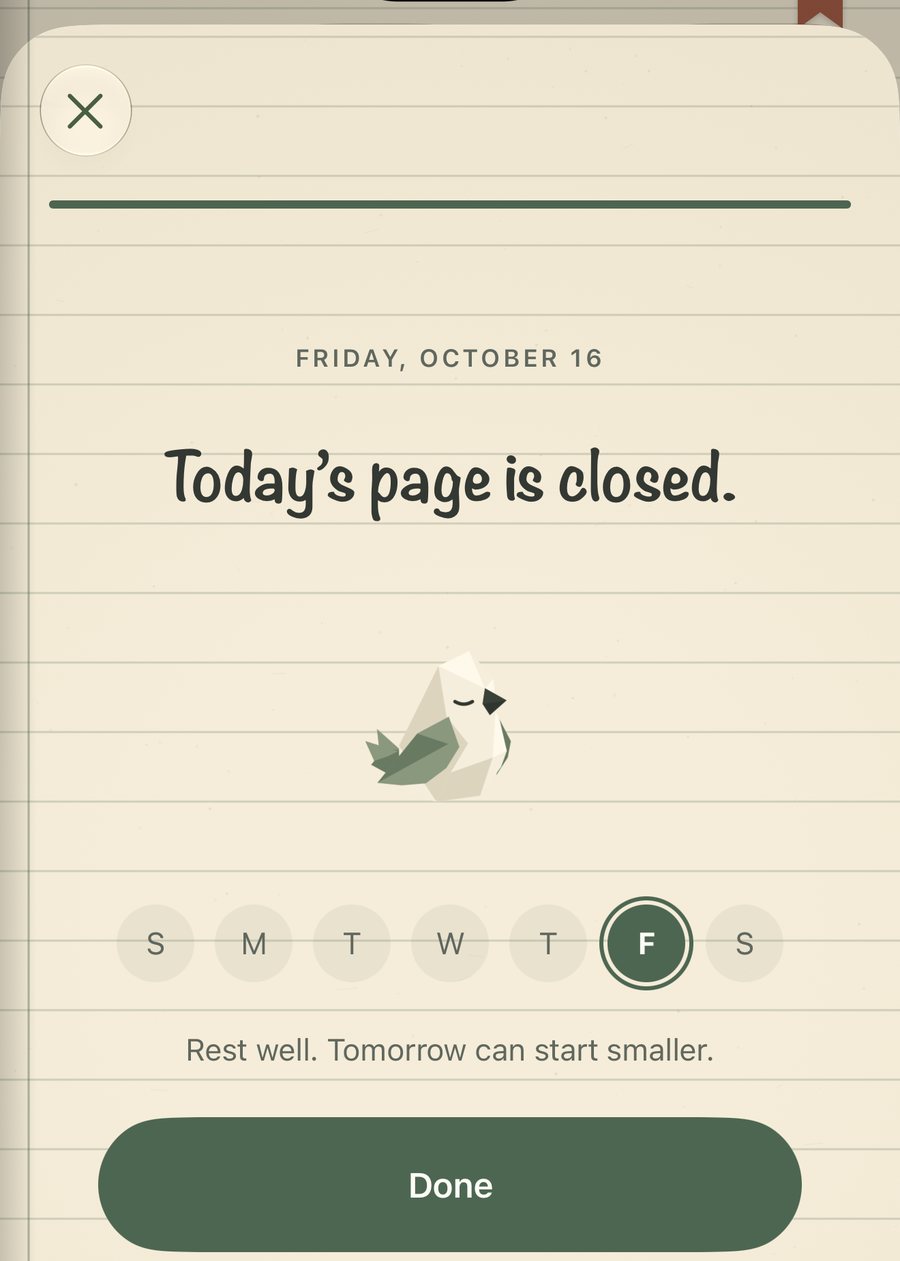
- Night
No streaks and no guilt. A missed evening is just a blank page, and tomorrow can start smaller.
Made for your devices
Made for iPhone Duo. At home everywhere else.
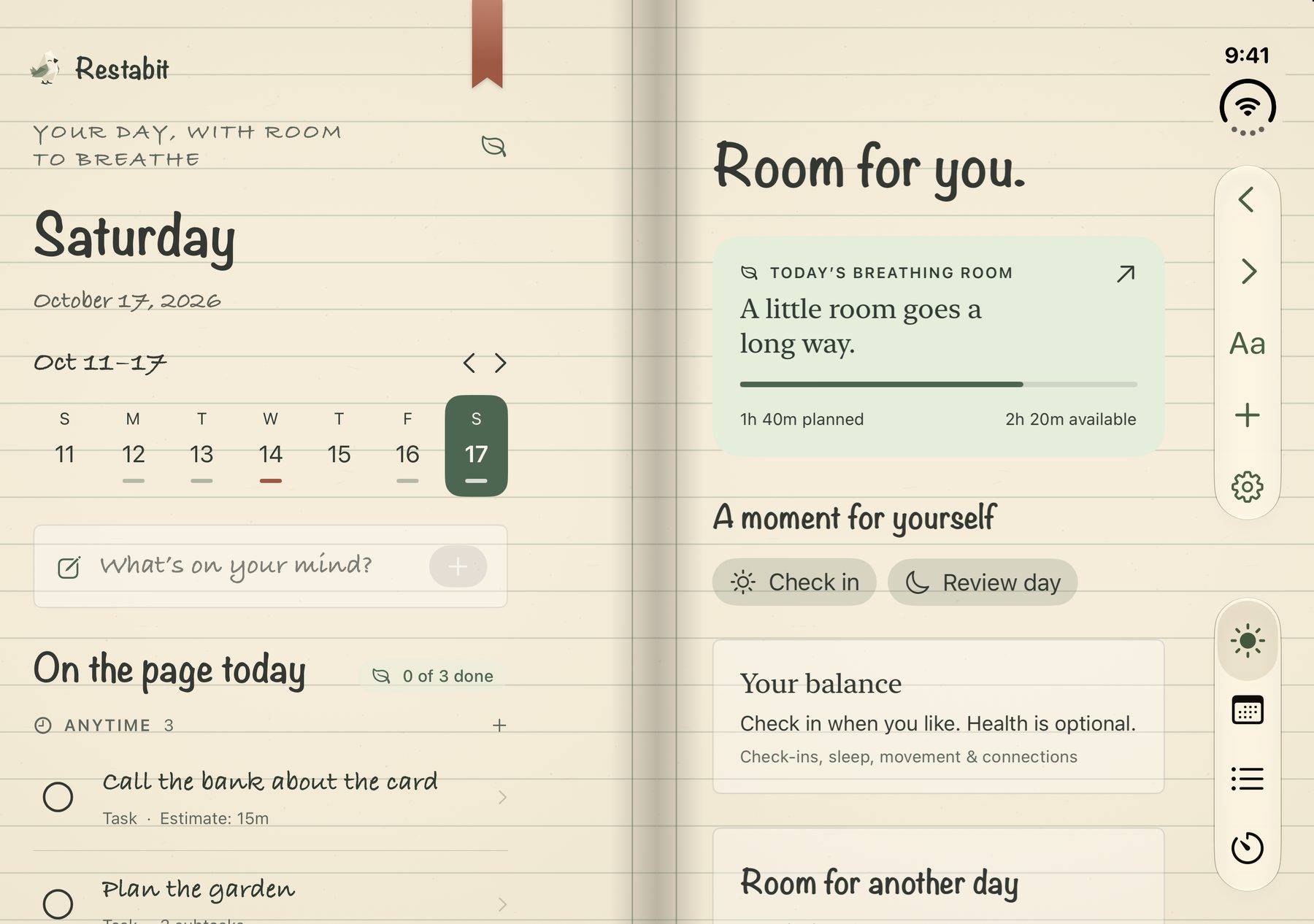
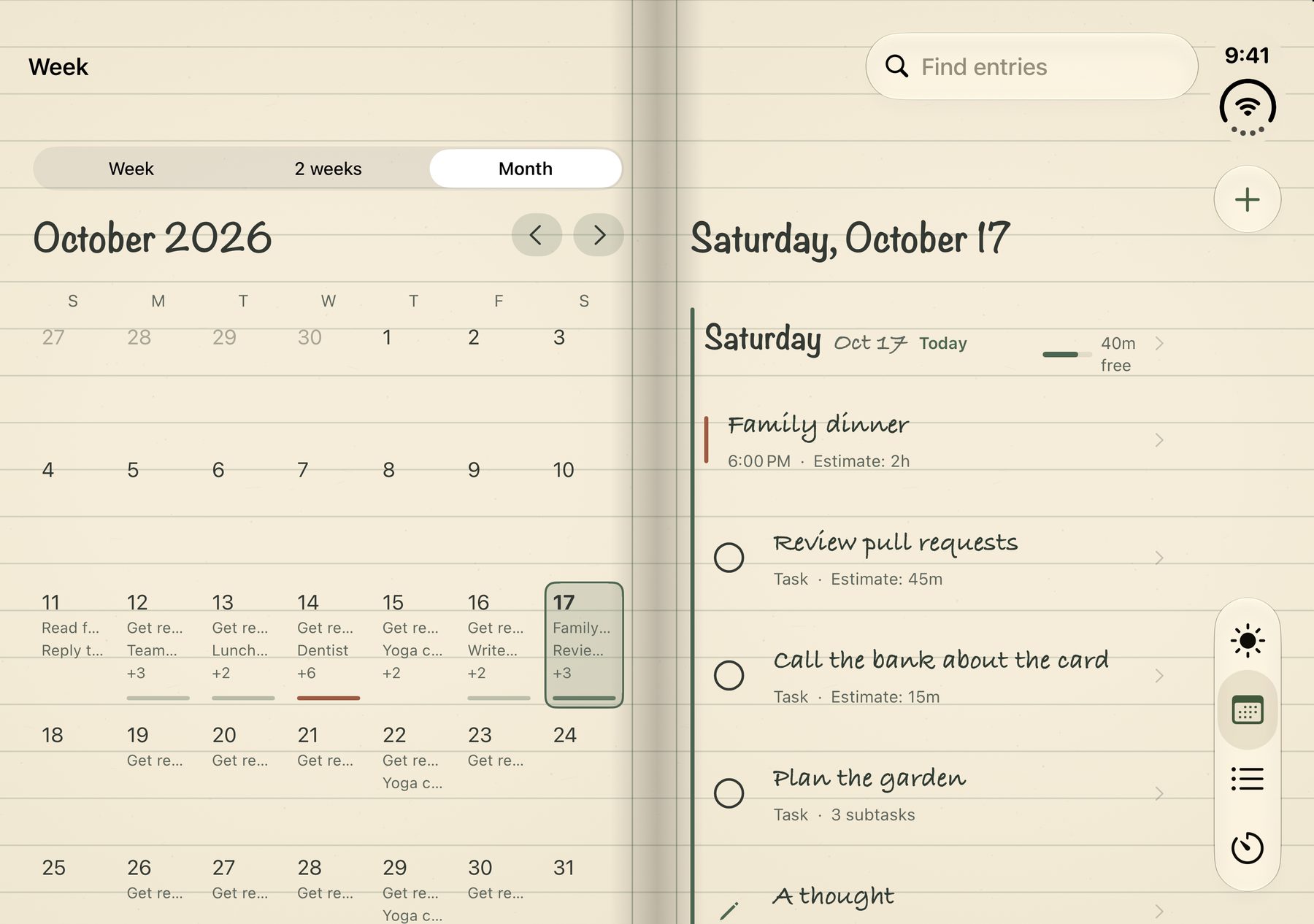
Restabit was designed around the open iPhone Duo, where the book lies open as two facing pages. The same book adapts to iPhone, iPad and Apple Watch, and stays in step across them through your own iCloud.
Open: two facing pages
Your day on the left, room for you on the right. Choose an entry and its details open beside the agenda.
Closed: one calm page
Fold it shut and keep going on the outer screen. Your place and the selected day stay where you left them.
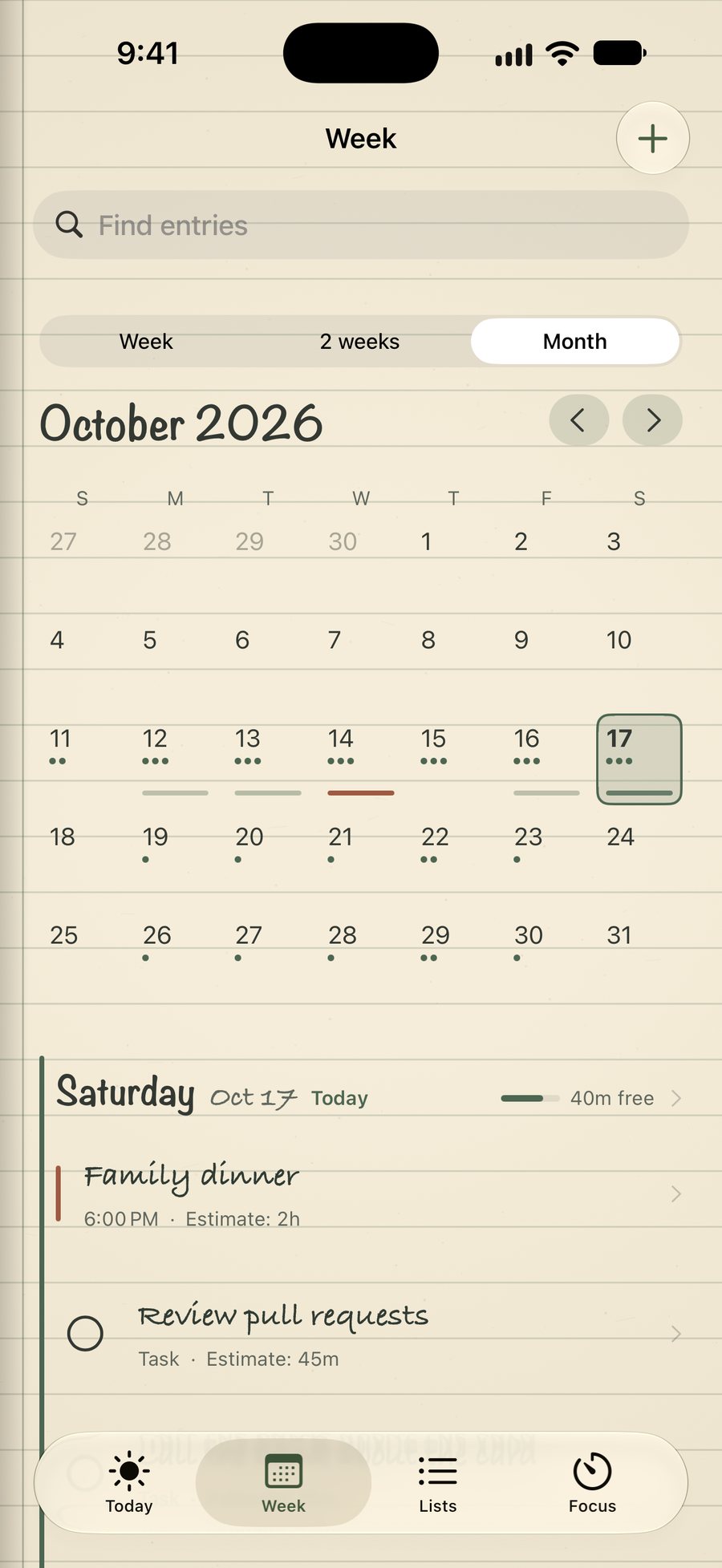
iPhone
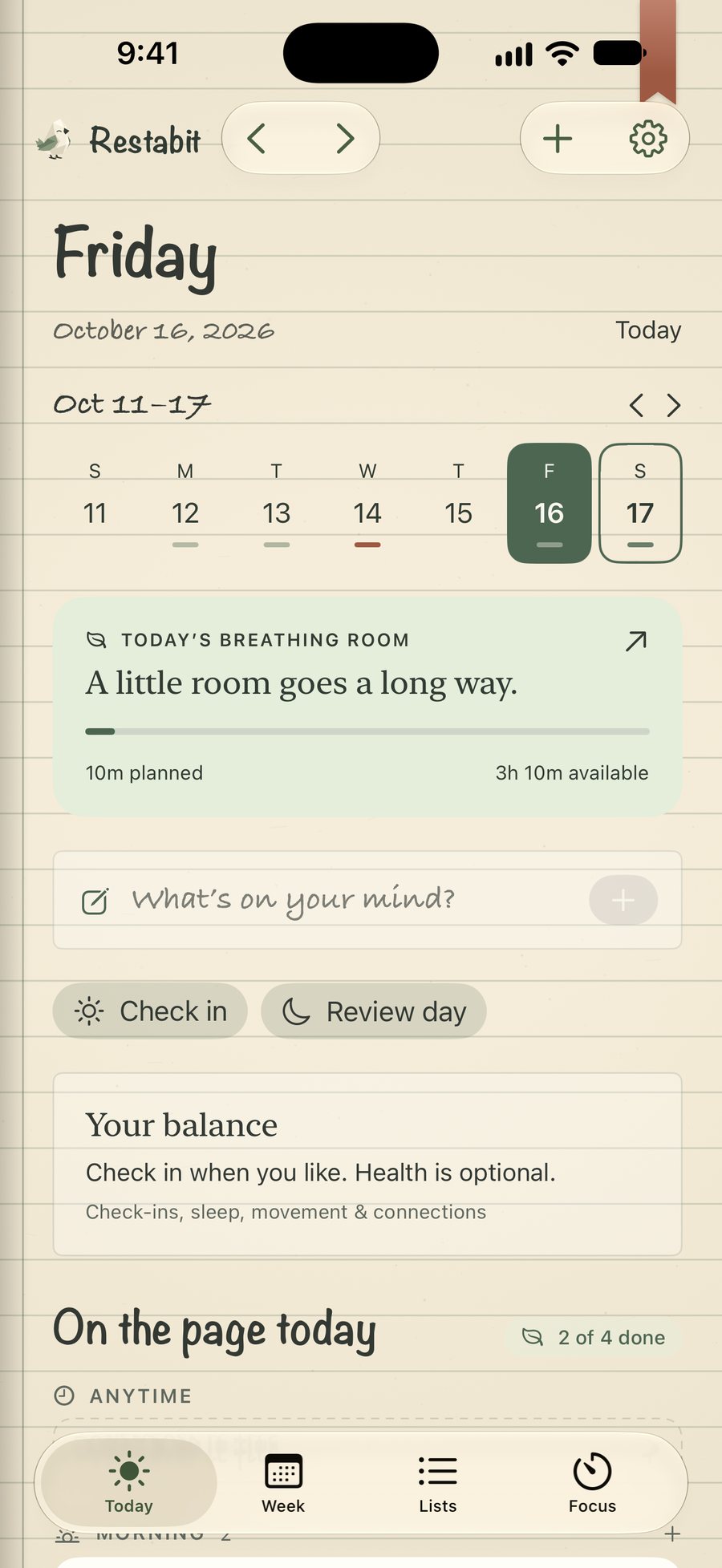
The whole book in one hand, with widgets and sharing from other apps.
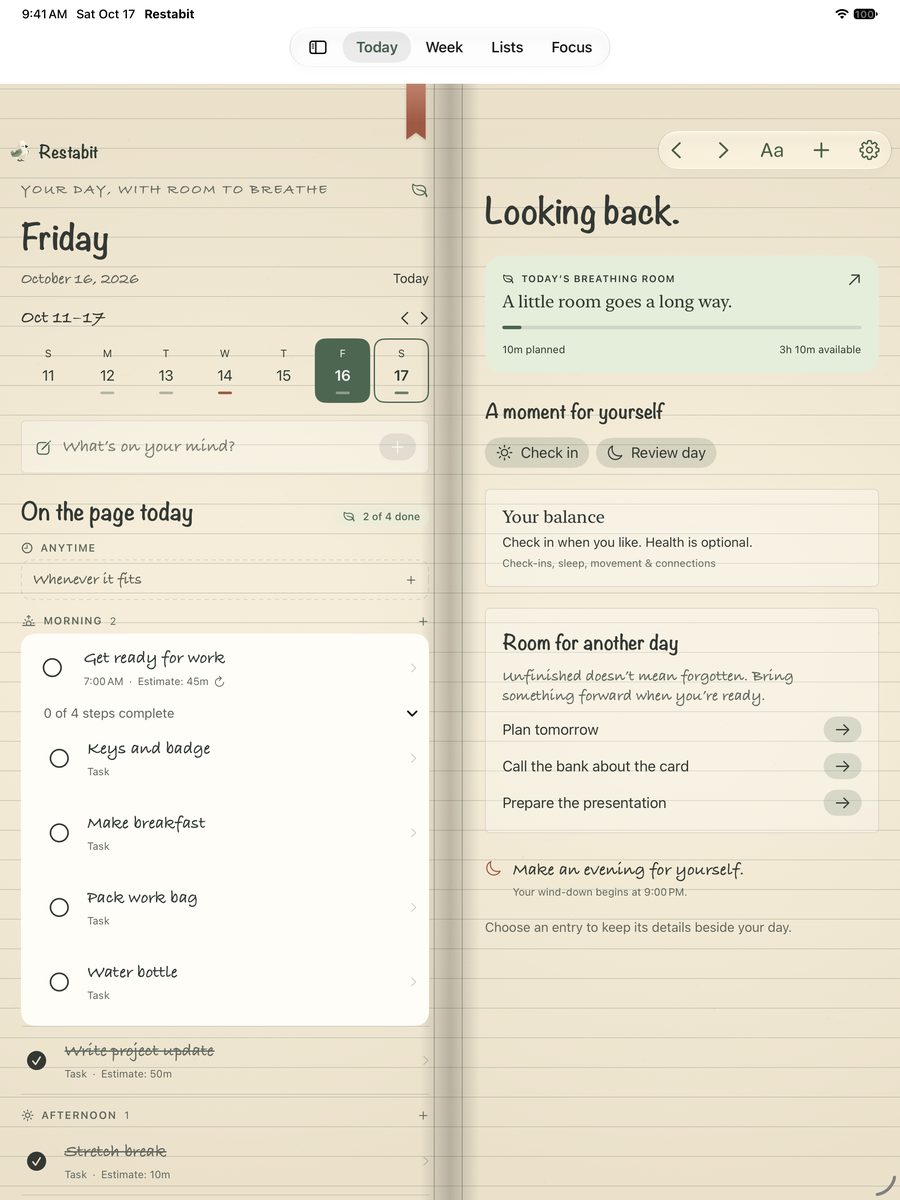
iPad
Room to see the day and the week side by side, with the same facing pages.
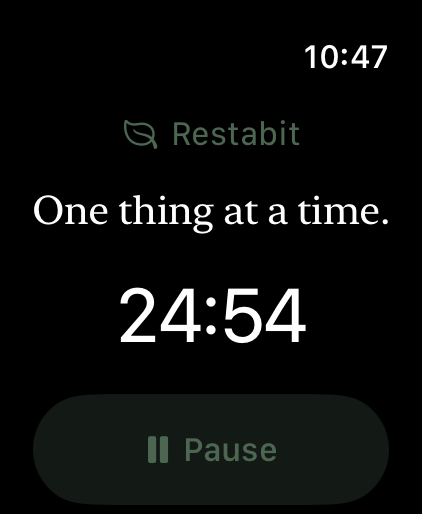
Apple Watch
Keep a focus session on your wrist. Never required: everything works with manual check-ins.
See it in motion
A day in Restabit, in sixteen seconds.
Plan the day, look across the week, focus on one thing, then close the page. Shown on iPhone with a sample week.
- Plan a day with room to breatheToday's page and breathing room
- See your week, or the whole monthBusy and quiet days at a glance
- One good thing at a timeFocus with a real break
- Close the day kindlyThe evening page
Your day on a page
A handwritten agenda book that opens from its cover.
Lined paper and real page turns. Tasks, subtasks, events with checklists, notes and goals live together, and the day splits into Anytime, Morning, Afternoon and Evening, so not everything feels like right now.
- Tasks
- With subtasks, estimates and small steps.
- Events
- Fixed times, with their own checklists.
- Notes & goals
- Thoughts and intentions that belong to a day.
- Routines
- Repeat, with changes for one day, the days after, or every day.
- Lists
- Groceries and packing, with checklists.
Plan the week
Spot crowded days before adding more.
See a week, two weeks or the whole month at a glance, and move things to a lighter day. Bring in events from Calendar so your plans and your time sit together.
Focus and rest
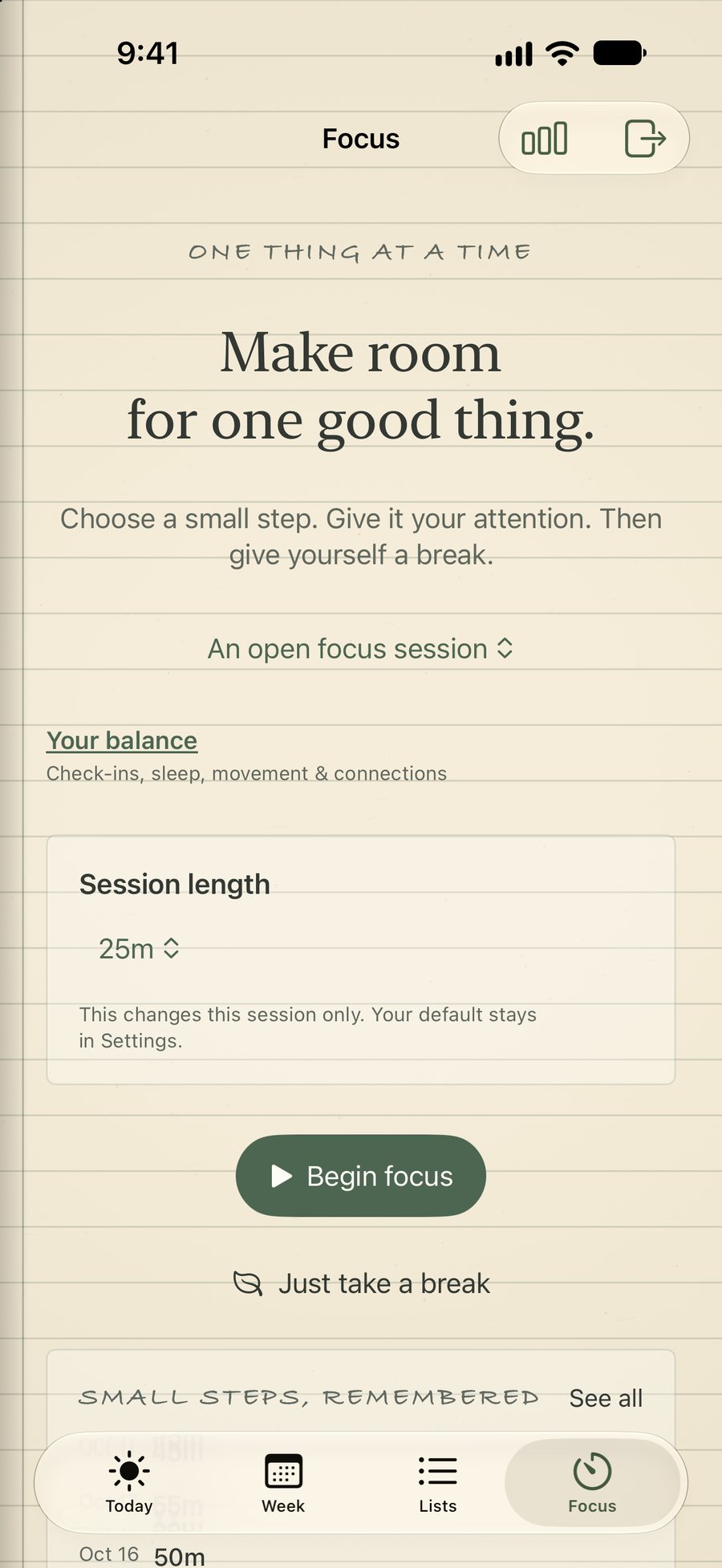
One thing at a time.
Choose a small step
Focus on a whole task or just one step of it.
Gentle pacing
Suggestions for when to pause, with real breaks.
Context, if you want it
Sleep, steps and how you've felt from Apple Health. Never required.
Reminders that know where you are
Place reminders for checklists when you arrive or leave.
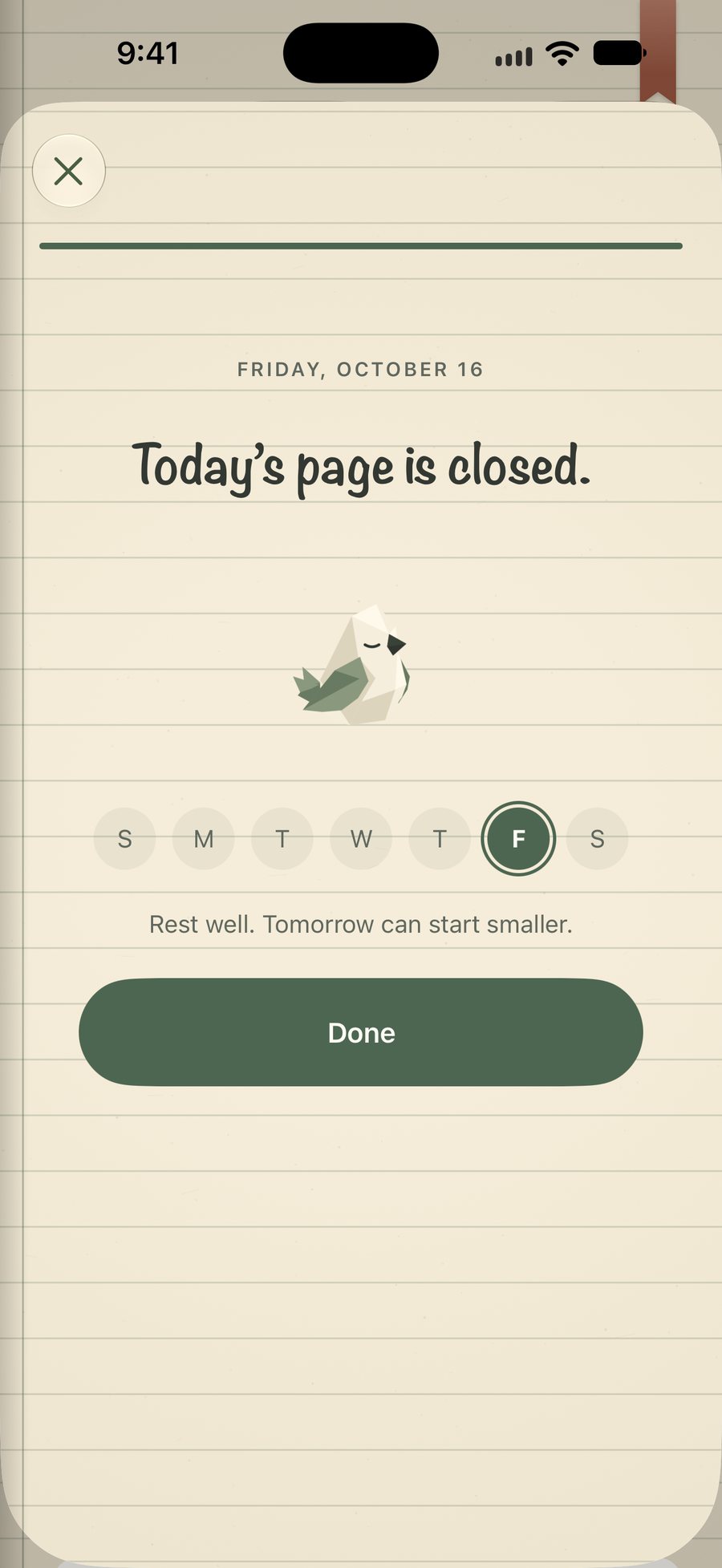
Check in and close the day
A gentle journal page, every evening.
How the day felt, three things that went well, a few lines in your own words, and what comes with you tomorrow. Unfinished doesn't mean failed.
- Bring it forwardIt goes onto tomorrow's page, because you put it there.
- Leave it for laterKept safely, without crowding tomorrow.
- Let it goSome things stop mattering. That's allowed.
Room for real life
Rest is part of the plan.
A good day isn't only what you finish. Sleep, a walk, dinner with people you love and an afternoon with nothing scheduled all belong on the page.
You don't have to earn them first. Restabit treats an open hour as yours, not as space waiting for more work.
Saturday
October 17
- 8:30Swim lessonsFamily
- 10:00Farmers marketErrand · 1h
- 12:00
 Nothing planned, on purpose
 - 3:00Video call with DadPersonal
- 6:00Family dinnerEvent · 2h
- 9:00Wind down, read on the porchEvening
Example day, drawn for this page. Not an app screen.
Your choice
Start with a check-in. Connect more only if you want.
Restabit works on its own from the first day. Calendar and Health can add context later, and you can turn them off whenever you like.
Check-ins
Built inA quick morning check-in: how you slept and how today feels. Skip any question.
Calendar
OptionalBring in events from Calendar so your plans and your time sit together. Restabit reads; it never changes your calendars.
Apple Health
OptionalSleep, steps and how you've felt can add context. It's never a diagnosis, a score, or a verdict on your day.
Apple Watch
Not requiredA nice extra for focus sessions. Everything in Restabit works with manual check-ins.
Private by design
Your agenda, journal and recordings are kept on your devices and sync through your own private iCloud, never to us.
Suggestions and transcripts are made on the device, and Apple Health readings never leave it.
No ads, no tracking.
Restabit is a planner, not a medical device. Read the Privacy Policy.
Plans
Start free. Add Pro if it helps.
Everything for planning, checking in and focusing is free. Restabit Pro adds insight, voice, scanning and more ways to make the book yours.
Restabit
Free to download
- A handwritten agenda book with lined paper and real page turns
- Tasks, subtasks, events with checklists, notes and goals
- Repeating routines, with changes for one day or every day
- Week, two-week and month views, and Calendar import
- Morning check-ins and the evening journal
- A focus timer with real breaks
- Up to three grocery and packing lists
Restabit Pro
- Focus and rest insights by day, week and month
- On-device help with Apple Intelligence on supported devices: day-summary drafts and step suggestions
- Voice notes with on-device transcripts and summaries
- Scan text, and attach photos, scanned pages and files
- More cover styles, colours and paper tones
- Unlimited lists, place reminders and Mindful Minutes in Apple Health
Prices in US dollars; the App Store shows the price for your country or region. Subscriptions renew automatically unless cancelled at least 24 hours before the end of the current period, and can be managed in your Apple Account settings. Restabit reminds you two days before a free trial ends. Anything you write stays yours, with or without Pro. See the Terms of Use.
Explore plans in the appWhy Restabit exists
Restabit started with a familiar evening: too many yeses, working late, and going to bed tired with half the list still open. More lists didn't help. What was missing was a plan that respects the hours in a day, and makes stopping feel allowed.
Keijaoh, who makes Restabit
What is Restabit?
A planner and journal for people who tend to take on too much. You write your day in a calm agenda book, see how full it already is, focus on one thing at a time and close each evening with a gentle journal page.
Which devices does it work on?
iPhone and iPad running iOS or iPadOS 26 or later, and iPhone Duo, where the book lies open as two facing pages. A companion Apple Watch app runs focus sessions from your wrist, and there are Home Screen widgets too.
Do I need an Apple Watch or Apple Health?
No. Check-ins are manual: you say how you slept and how today feels. Apple Health can add sleep, steps and how you've felt as optional context, but nothing depends on it.
Can I bring in my calendar?
Yes. You can bring in events from Calendar so your plans and your time sit together. Restabit only reads your calendars; it never changes them.
Does Restabit move my tasks for me?
No. It shows how full each day is against your own daily limit and can suggest a lighter plan. You decide what moves, what waits and what you let go.
What's included in Restabit Pro?
Everything for planning, checking in and focusing is free. Pro adds focus and rest insights, on-device help with Apple Intelligence on supported devices, voice notes with transcripts, scanning and attachments, more cover styles and paper tones, unlimited lists, place reminders and Mindful Minutes.
Pro is $4.99 a month, $34.99 a year with a 7-day free trial, or $79.99 once. Prices are in US dollars; the App Store shows your local price.
What happens to my entries if I stop Pro?
Anything you wrote stays yours and readable, with or without Pro. Your saved book style comes back if you return to Pro.
Make a little room for yourself.
Restabit is free to download for iPhone Duo, iPhone and iPad. Start with one thing on your mind.
